Anycubic Kobra 3 Max Review: Is the Large-Format Bedslinger Worth It?
Honest Anycubic Kobra 3 Max review: real-world print speed vs the marketed 600mm/s, ACE Pro reliability, unit-to-unit quality variance, and a comparison against Bambu Lab A1, Creality K1 Max and Ender-5 Max.
Bottom line: is it worth buying
The Anycubic Kobra 3 Max is an open-frame FDM bedslinger with a 420x420x500mm build volume (88 liters), speeds up to 600mm/s and a 300°C nozzle, launched in 2024. It's one of the largest build volumes in the consumer class, and the optional ACE Pro system adds 4-to-8-color multicolor printing.
Short version: buy it if you genuinely need that build volume — cosplay helmets, furniture pieces, large functional prototypes without gluing sections together. If 250x250x260mm covers your needs, the regular Anycubic Kobra 3 is cheaper and more compact, running the same electronics and the same ACE Pro. But go in with eyes open: per owner reports on Reddit, unit-to-unit quality variance on the Kobra 3 Max is noticeably higher than on pricier printers — some owners rack up 700+ trouble-free hours, others end up replacing nearly half the machine.
Specifications
| Spec | Anycubic Kobra 3 Max |
|---|---|
| Kinematics | Bedslinger, open frame |
| Build volume | 420 x 420 x 500mm (88L) |
| Extruder | direct drive, quick-release nozzle |
| Print speed | up to 600mm/s (300mm/s recommended) |
| Acceleration | up to 10,000mm/s² |
| Nozzle | 0.4mm, up to 300°C (0.6 / 0.8mm optional) |
| Bed | PEI spring steel, up to 90°C (heats to 60°C in 125s) |
| Leveling | LeviQ 3.0 auto-leveling + Z-offset |
| Noise | ≤60dB at recommended settings |
| Multicolor | ACE Pro (optional): 4 colors, up to 8 with two units |
| Screen | 4.3-inch touchscreen |
| Connectivity | Wi-Fi, LAN, USB, Anycubic app |
| Footprint / weight | 706 x 640 x 753mm / 19kg |
| Price | base $493-804 (RU ~44,200-44,800 rub), Combo w/ ACE Pro $574-999 depending on sales (RU ~59,900-68,000 rub) |
Unboxing and what's in the box
In the box: the frame, print head, touchscreen, spool holder, hardware kit, hex wrenches, a support rod, two power cables, five filament tubes, six cable ties, a sample spool, a USB stick with firmware and profiles, a nozzle-cleaning brush and grease. The Combo adds the ACE Pro unit itself, a 4-spool hub, a runout sensor and the ACE Pro's own feed tubes.
Assembly is typical for a bedslinger this size: about ten screws hold the gantry down for shipping, then you bolt it to the base, plug in the color-coded wiring and mount the print head. One Reddit owner — a mechanical engineer who bought two units for large-part prototyping — got both machines assembled and through initial calibration in 2 hours total.
Why a huge build volume actually matters
420x420x500mm is 88 liters of build space — Anycubic's own marketing compares it to two carry-on suitcases. In practice that means full-size cosplay helmets, large furniture parts, and functional prototypes without gluing sections together. Tom's Hardware printed a traffic cone scaled up 1200% — 47 hours for one half (1821g of PETG) and 37 hours for the other (1395g) — plus an 8-color steampunk dragon that took 48 hours with 902 filament swaps. One Reddit owner ran a 480mm-tall vase with a projected 38-hour print time.
Single-color print quality holds up well: LeviQ 3.0 auto-leveling works reliably across the whole 420x420mm bed, a 15-hour TPU part on the direct drive came out with zero stringing, and the quick-release hotend only clogged once in 600+ hours of Tom's Hardware testing — cleared by pulling the nozzle and cutter. The weak point is adhesion on prints longer than 12 hours: the big bed struggles to hold heat, especially near a draft, and parts can lift. Owners' fix: glue stick, or swap the stock plate for a cool plate or gecko-style plate.
Speed and noise
The marketed 600mm/s and 10,000mm/s² acceleration are a ceiling, not what the printer runs day to day. Anycubic itself recommends 300mm/s, and in Tom's Hardware's testing real-world cruising speed was closer to 200mm/s at around 5,000mm/s² acceleration — noticeably more modest than CoreXY rivals like the Bambu Lab P1S or X1C. The Benchy test tells the story: Anycubic's spec sheet claims 18 minutes on a specially tuned profile and 48 minutes at the recommended speed, while the Tom's Hardware reviewer got 28 minutes 9 seconds on default settings. Noise sits around ≤60dB — not whisper-quiet, but not a room-filling drone either.
Multicolor printing: the ACE Pro system
ACE Pro is a separate, extra-cost filament-feeding unit — conceptually similar to Bambu's AMS, but with its own heater that dries filament while printing, something the original AMS doesn't do. One unit gets you 4 colors, a second gets you 8, though at 8 you'll need to print a custom 8-port hub and route eight tubes to the toolhead. One catch straight from Anycubic's own spec sheet: TPU cannot be fed through the ACE Pro — the unit only handles PLA and PETG, so TPU has to be printed direct, single-spool, with no auto-feed. We cover setup, drying and common clogs in a dedicated ACE Pro guide — not repeating it here.
Per Reddit discussions, feed motors on older ACE Pro units are on the weak side — place the unit level with the printer or higher, or filament won't push up reliably. The included PTFE tubes are only 1.7m long, which makes fitting multiple units into a tight space awkward. Purge waste on color changes is still real: Tom's Hardware's 8-color, 220g dragon needed 902 filament swaps, and even after firmware updates cut waste down, it still burned through 357g of purged filament — nearly 1.5x the model's own weight.
Open frame: what you can and can't print
The Kobra 3 Max is an open bedslinger with no enclosure, and Anycubic's own documentation says as much: printing ABS, ASA, polycarbonate, nylon or HIPS without an add-on enclosure isn't recommended — those materials are too sensitive to drafts and temperature swings across a bed this big. PLA, PETG and TPU print well out of the box. For why engineering plastics need an enclosure and how to set up ventilation, see our safety and ventilation guide.
Software and ecosystem
Kobra OS is closed-source firmware — no SSH, no config file access — even though a lot of write-ups online call it 'Klipper-like'. It's seen over a dozen updates during its sales run, from V2.4.6 to V2.5.2.8, adding ACE V2 support, a SWEEP anti-resonance mode, and better multicolor stability. The slicer is Anycubic Slicer Next, an Orca Slicer fork: per Tom's Hardware, purge-handling controls improved so much mid-review that the reviewer scrapped an early draft — it's now close to Bambu Studio. The mobile app is fine for monitoring and sending pre-sliced files, less so for full print setup.
Video review
Click to load YouTube content
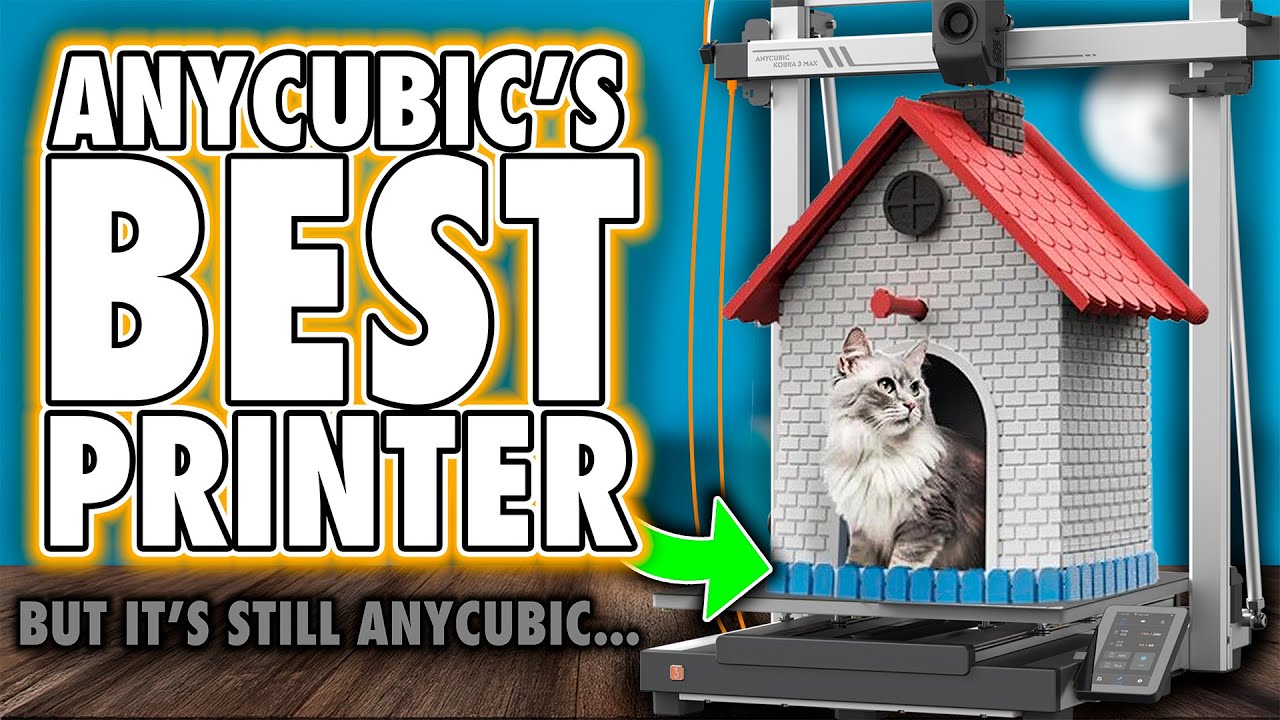
Anycubic Kobra 3 Max — independent review by FauxHammer
Pros
- One of the largest build volumes in the consumer class — 420x420x500mm (88L)
- LeviQ 3.0 auto-leveling works reliably across the entire bed
- Bed heats to working temperature in 125 seconds
- TPU prints smoothly on the direct drive with zero stringing, even on multi-hour parts
- ACE Pro heats and dries filament while printing
- Expandable to 8 colors with a second ACE Pro unit
- Quick-release nozzle — swap it without disconnecting heater wiring
- Open material system, no proprietary filament lock-in
- Real owners confirm reliability over hundreds of hours — up to 800 hours before a single fix
- Far cheaper than tool-changer printers with comparable build volume
Cons
- Noticeable unit-to-unit quality variance — from workhorse to half-the-machine-replaced
- Open frame: printing ABS/ASA/PC/nylon without an add-on enclosure isn't recommended by Anycubic
- Real-world speed runs well below the marketed 600mm/s — closer to 200mm/s in practice
- Purge waste on color changes is still significant
- Some units reported a motherboard defect causing oval instead of round shapes (fixable via firmware update)
- Feed motors on older ACE Pro units are weak — place the unit level with the printer or higher
- ACE Pro's PTFE tubes are only 1.7m long — awkward when placing multiple units in tight spaces
- Big bed holds heat poorly near drafts — risk of lifting on long prints
- No camera included in the base kit
- Huge footprint — 706x640x753mm eats a lot of desk space
How it stacks up against the competition
| Spec | Kobra 3 Max | Bambu Lab A1 | Creality K1 Max | Ender-5 Max | Neptune 4 Max |
|---|---|---|---|---|---|
| Build volume | 420x420x500mm | 256x256x256mm | 300x300x300mm | 400x400x400mm | 420x420x480mm |
| Kinematics | Bedslinger, open | Bedslinger, open | CoreXY, enclosed | CoreXY, open | Bedslinger, open |
| Speed | up to 600mm/s | up to 500mm/s | up to 600mm/s | up to 700mm/s | up to 500mm/s |
| Multicolor | ACE Pro, optional, up to 8 | AMS Lite, up to 4 | No | No | No |
| Camera | Optional | Yes | Yes | No | No |
| Price | from $493 (Combo from $574) | from $299 | from $649 | from $749 | from $418 |
The closest direct rival by size is the Elegoo Neptune 4 Max — a bit shorter, cheaper, running genuine Klipper, but with no multicolor option. The Creality Ender-5 Max is faster on paper (700mm/s), though its build volume is a touch smaller (400x400x400mm vs 420x420x500mm), and it also lacks an AI camera and color. If you don't need the massive footprint and want maximum out-of-the-box convenience, look at the Bambu Lab A1: smaller build volume, but a far more polished AMS Lite ecosystem. Want an enclosed frame with an AI camera at a similar price? That's the Creality K1 Max.
Verdict
The Anycubic Kobra 3 Max earns its price if you genuinely need a large-format printer: cosplay, furniture-scale parts, functional prototypes. At this price, no other printer with this much build volume also offers optional 8-color multicolor. But buy it with your eyes open: the marketed 600mm/s isn't what it runs day to day, and unit-to-unit quality variance is real — read a few independent reviews of the current production batch before you order.
If 250x250x260mm is enough for you, the regular Anycubic Kobra 3 is cheaper, more compact, and runs the same electronics with the same ACE Pro. For a full lineup breakdown, see our Kobra S1 vs Kobra 3 vs Kobra X comparison.
Sources
- Anycubic Kobra 3 Max — official product page
- Anycubic Wiki — Kobra 3 Max FAQ
- Tom's Hardware — Kobra 3 Max Combo review (600+ hours of testing)
- FauxHammer — Kobra 3 Max video review
- Reddit r/3Dprinting — owner's first impressions
- Reddit r/AnycubicOfficial — reliability discussion
- 3DToday — printer listing on the Russian-language community site
FAQ
Printer Hub Team
We study official documentation and manufacturer guides, test mods on real printers, and analyze community experience from Reddit, Discord, Printables, and YouTube.